Entity Performance
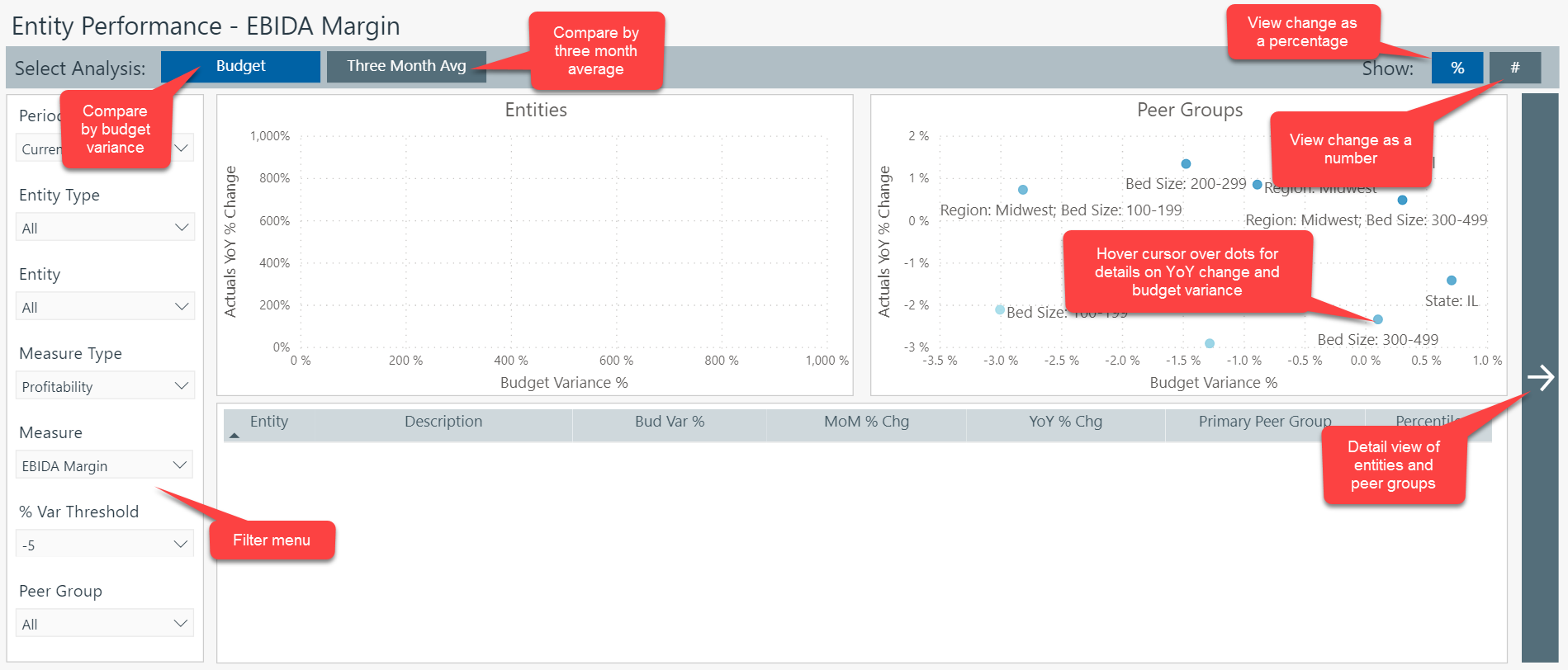
The Entity Performance dashboard provides you with analytic data about your institution's entity-level profitability, volume, revenue, and expense. The data displayed here defaults to Profitability metrics and presents the most recent month of data.
To switch between metric areas, click the tabs at the top of the dashboard.
Dashboard overview
Using the Entity Performance filter
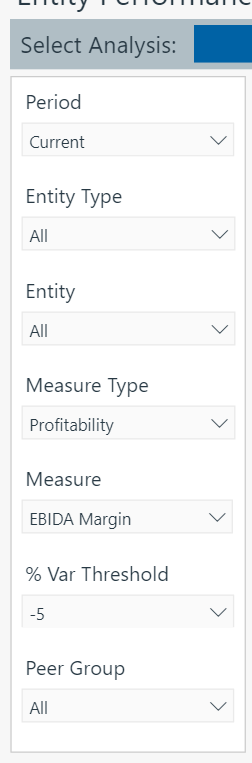
The Entity Performance filter options are located to the left of the dashboard display.
The variance threshold is set to -5% by default. This means that the system is looking for and indicating metrics with an unfavorable variance of 5% until you change the variance threshold setting.
If you set the variance threshold to a negative percentage, the system displays only unfavorable variances.
If you set the variance threshold to a positive percentage, the system displays only positive variances.
If you set the variance threshold to 0%, the system will not display any variances.