AX1077
View system information
Use the Axiom Budget Planning and Performance Reporting About box to see information about your current system, such as:
- Axiom Budget Planning and Performance Reporting version number
- Product version numbers
- System name
- Application server URL
The About box also contains a link to download software prerequisites, if necessary for installation of the Desktop Client General term for using either the Excel Client or the Windows Client, both of which are installed to the user's desktop..
To open the About box:
- Click the Syntellis icon
 in the Navigation bar The common bar across the top of pages in the Web Client. The Navigation bar provides access to system and product features..
 - At the bottom of the Area menu, click About Axiom Software.
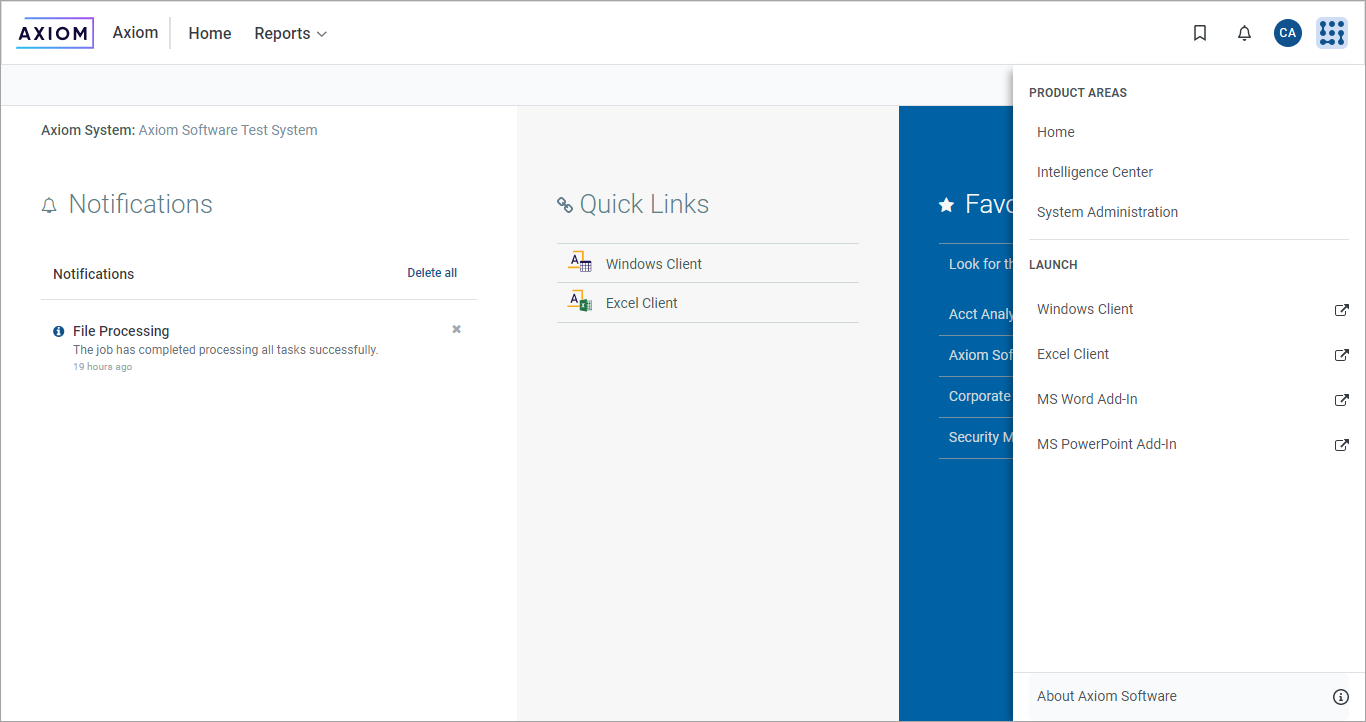
About Axiom Software at bottom of Area menu
