Running the Audit_05 Payroll Source Reconciliation report
Use this report to evaluate and reconcile payroll related data (dollars and hours) by month.
To run the Audit_05 Payroll Source Reconciliation report:
-
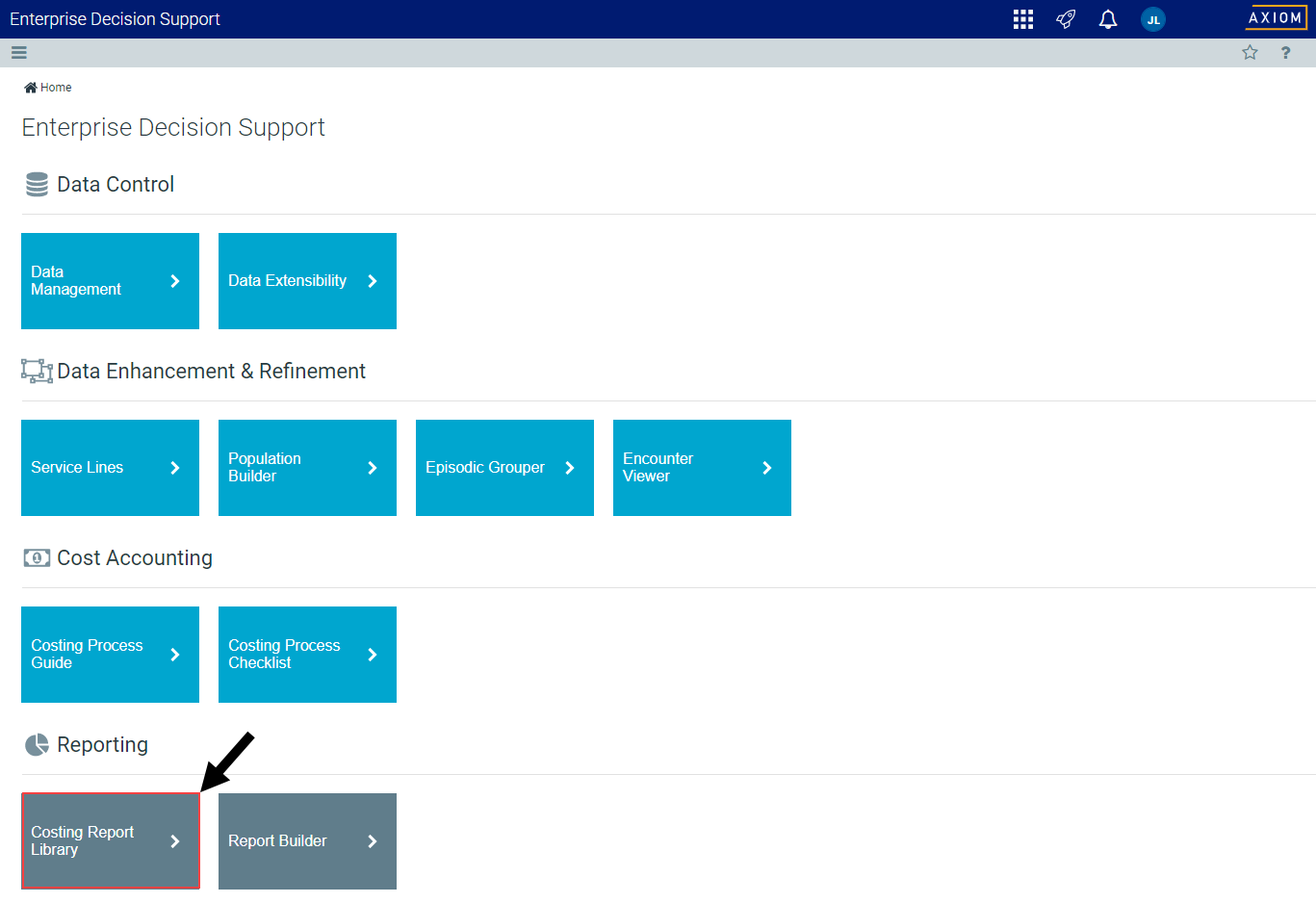
From the Enterprise Decision Support home page, in the Reporting section, click Costing Report Library.

Click image to view full size
-
Under the Data Import Validations section, click the Audit_05 Payroll Source Reconciliation link.
NOTE: The report opens as a tab in the Desktop Clientversion.
- Refresh the report by clicking Refresh Data in the Main ribbon tab, or pressing F9.
-
In the Refresh Variables dialog, do the following:
Option Description Select Entity - Click Choose Value.
- In the Choose Value dialog, select an entity to include in the report.
- Click OK.
Select Payroll Fiscal Year Select the payroll fiscal year to include in the report. - Click OK.
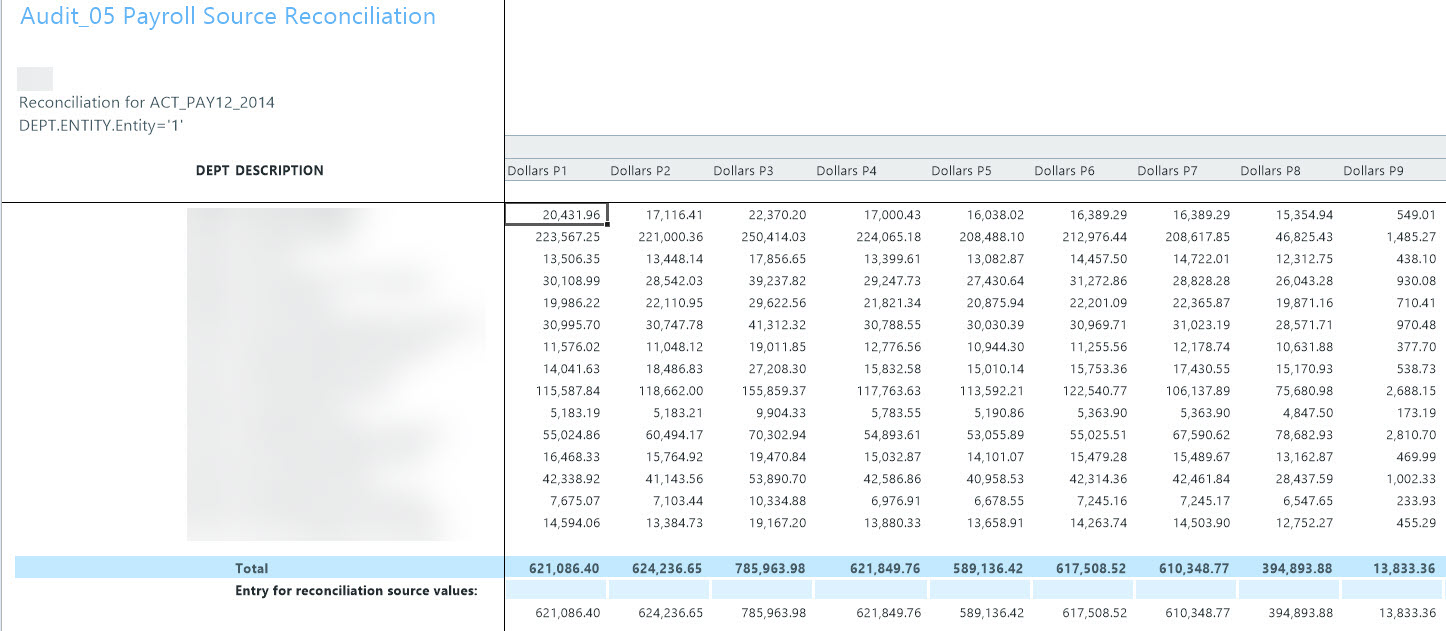
The following is an example of this report:
Click image to view full size
