Running the Audit_01 Income Statement Summary report
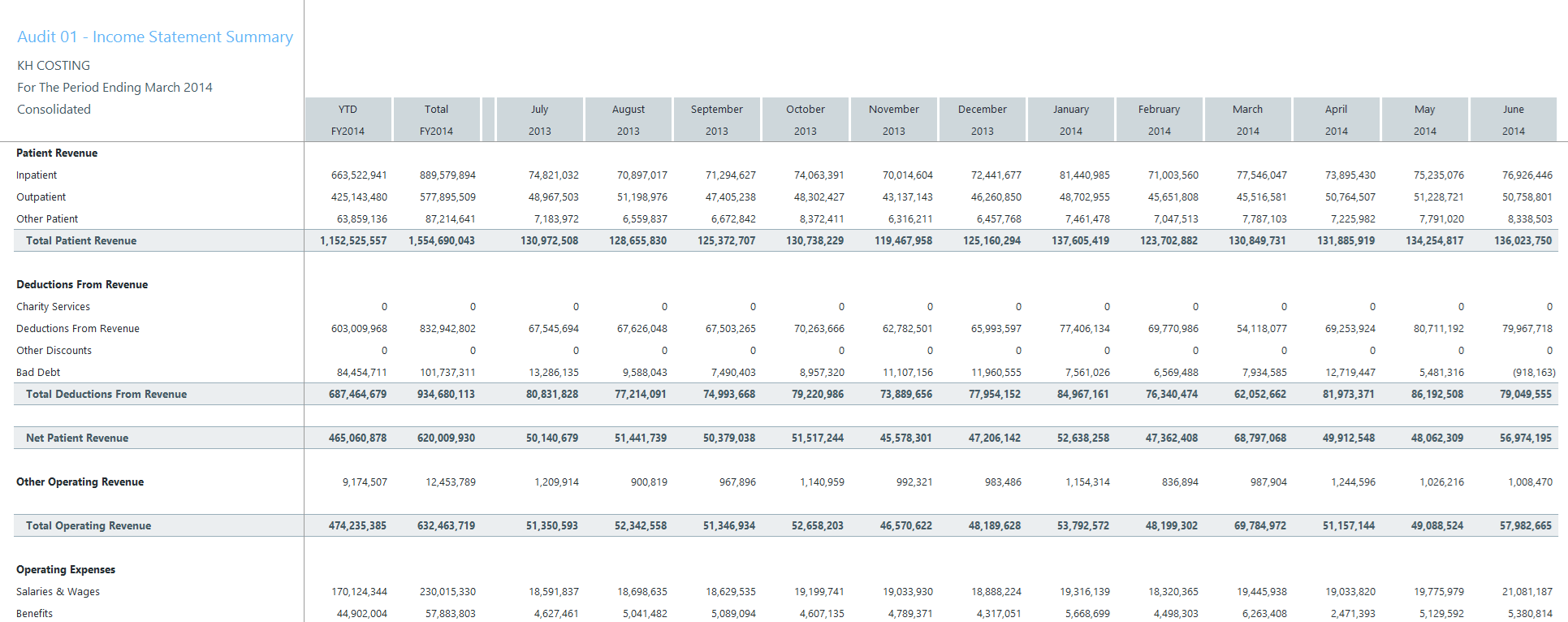
The Income Statement Summary report provides a point of validation to ensure proper import of the General Ledger file into the Axiom system from the source system. You need to generate a similar report from the source system to validate against this standard Costing Income Statement Summary.
To run the Audit_01 Income Statement Summary report:
-
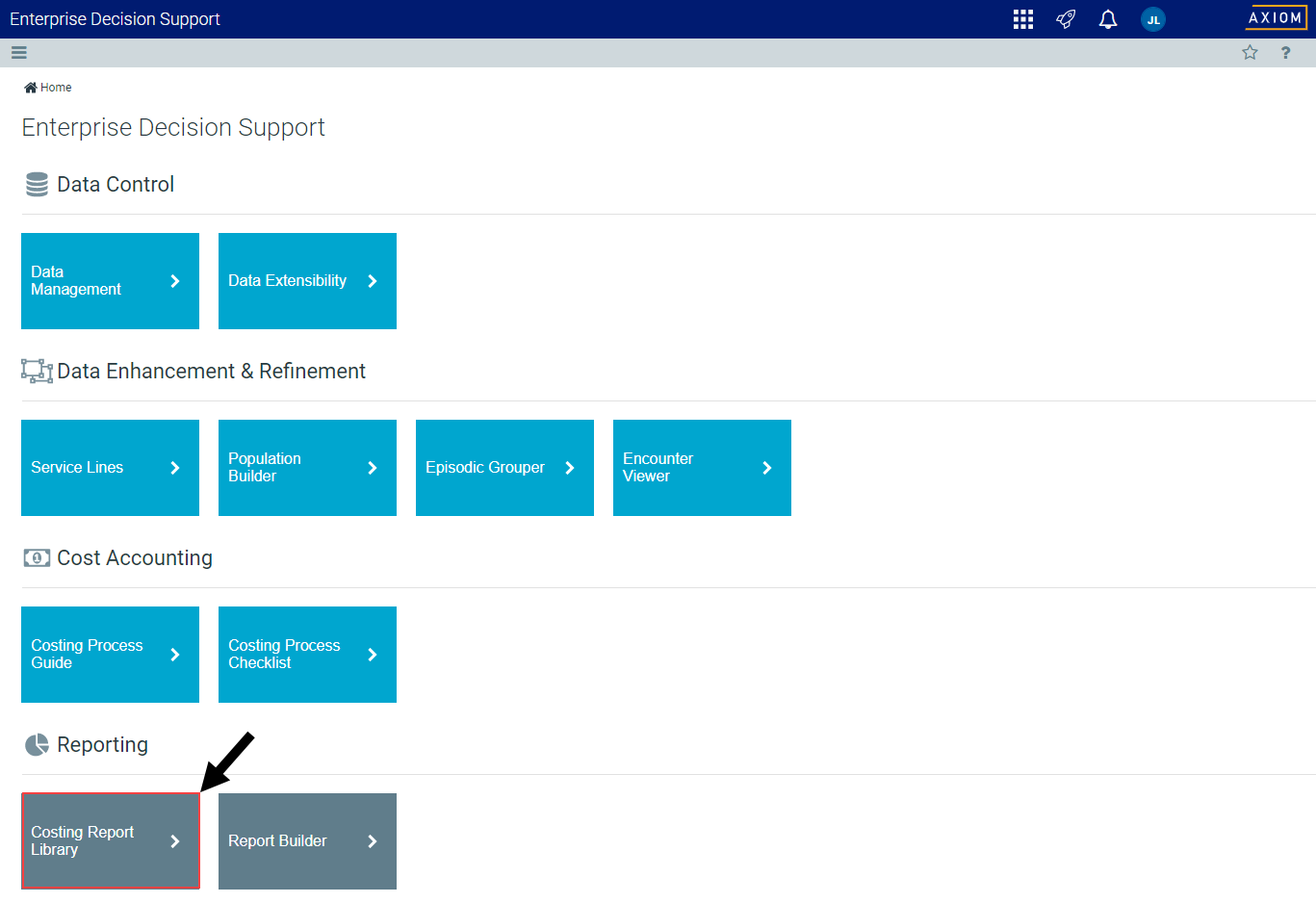
From the Enterprise Decision Support home page, in the Reporting section, click Costing Report Library.

Click image to view full size
-
Under the Data Import Validations section, click the Audit_01 Income Statement Summary.xlsx link.
NOTE: The report opens as a tab in the Desktop Clientversion.
- Refresh the report by clicking Refresh Data in the Main ribbon tab, or pressing F9.
- In the Refresh Variables dialog, select the variables to include in the report, and click OK.
When compared to the generated source system report:
Click image to view full size
- This report should equal or tie out completely in total and ideally by line items.
- Line item variances are likely due to classification at the FSDetail level in the ACCT dimension table and the definition of the financial statements and/or reports used as the comparison.
- Variances in total are likely due to filters applied on either side of the reporting, e.g., defined Entities.
NOTE: You need to update any new accounts or departments added during an import in the Account and Department dimension tables for the reconciliation report to tie out completely.
