Assigning the Transaction Cost method
To assist with assigning many methods to a large number of cost items, similar to RVU and Microcost, you can use the Transaction Cost Method Assignment page to update the cost item method.
To assign the Transaction Cost Methods:
-
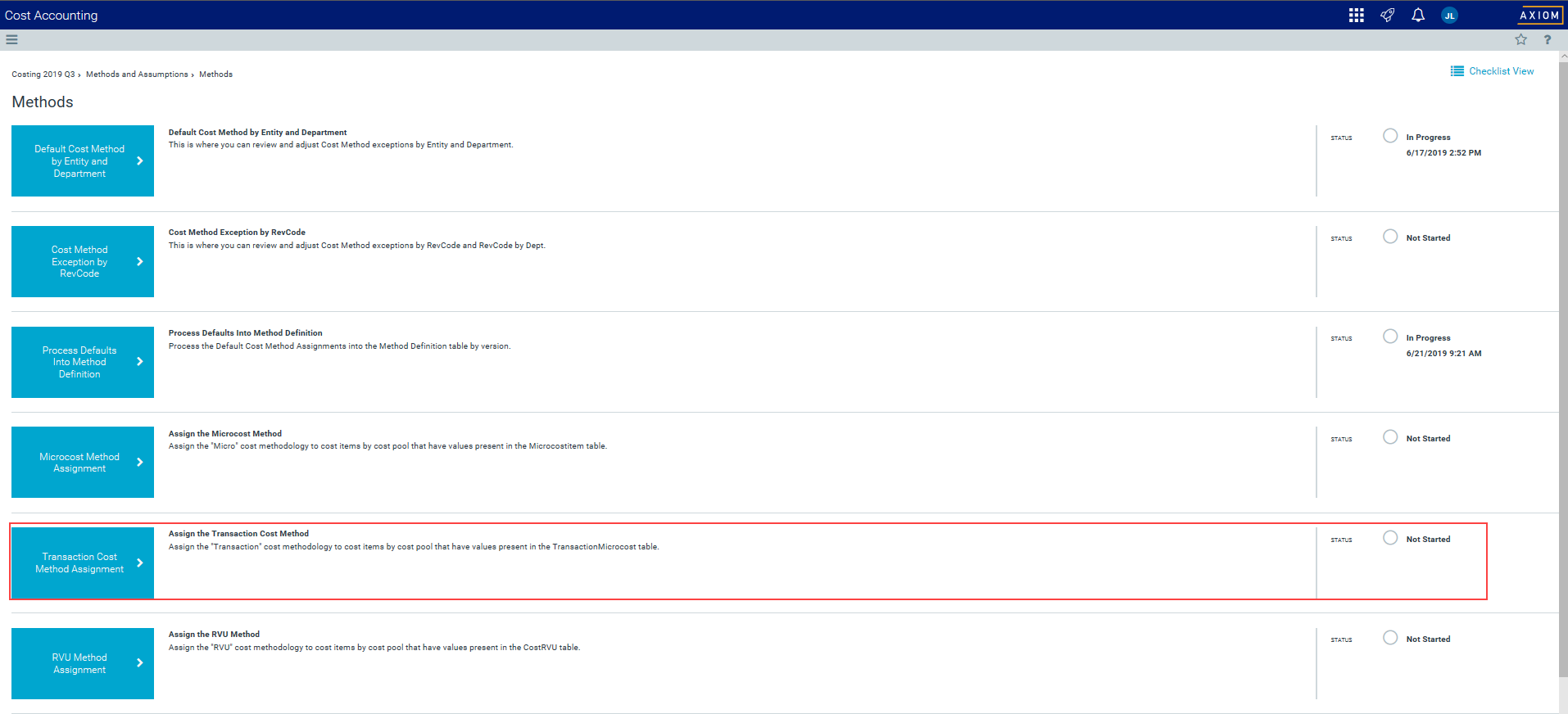
In the Guide View, click Methods and Assumptions > Methods > Transaction Cost Method Assignment.
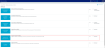
Click image to view full size
-
From the Select Cost Set drop-down, select the cost set in which to assign the method.
NOTE: The system defaults to the currently active cost set.
- From the YRMO Start Date drop-down, select the starting year and month.
- From the YRMO End Date drop-down, select the ending year and month.
-
From the Select Target Method Version drop-down, select the version number to use for the method definition table.
-
Click Run Now.
The system schedules a job to run the import.
TIP: After you run the method assignment, the system displays a separate tab that displays the status of the assignment tasks, including the result, the time the job was started, how long it lasted, and the user that ran the job. For more information, see Viewing scheduled job results.
