Creating Threshold (Pro Forma) projects
The standard Threshold (pro forma) request form includes the following tabs:
- Setup –
- Project – Includes fields for entering basic information about the project and questionnaire sections to answer questions justifying the request as well as a place to enter the project business plan.
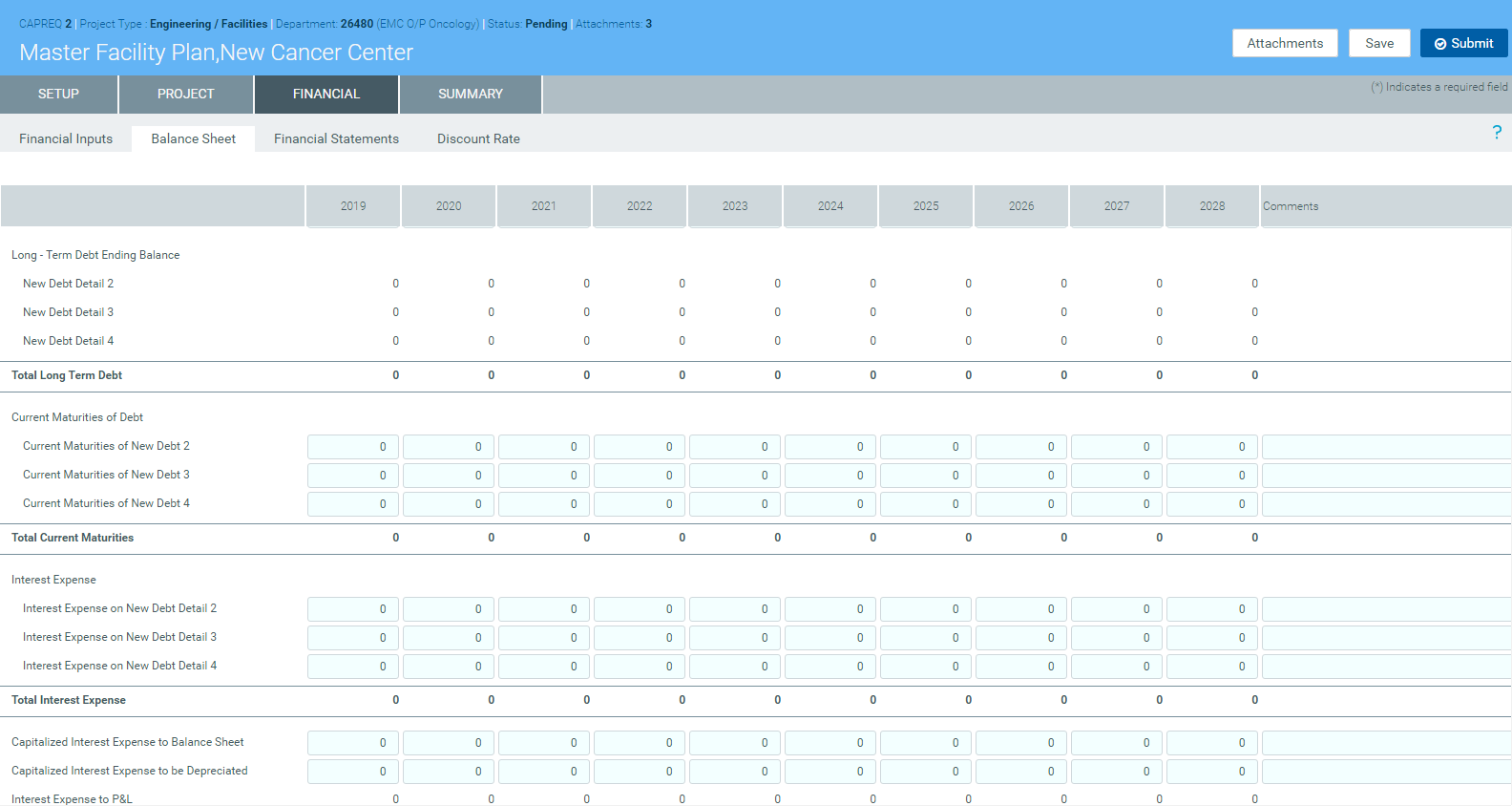
- Financial – Includes fields for financial inputs, balance sheet, financial statements, and discount rates.
-
Summary – Displays the inputs entered in the Setup, Project, and Financial tabs to use for review before submitting your request.
To create Threshold (pro forma) projects:
- Complete steps from Creating or modifying a capital project. The options you selected display in the Setup tab, which you can modify if needed.
-
In the Project tab, complete the following sub-tabs, as applicable:
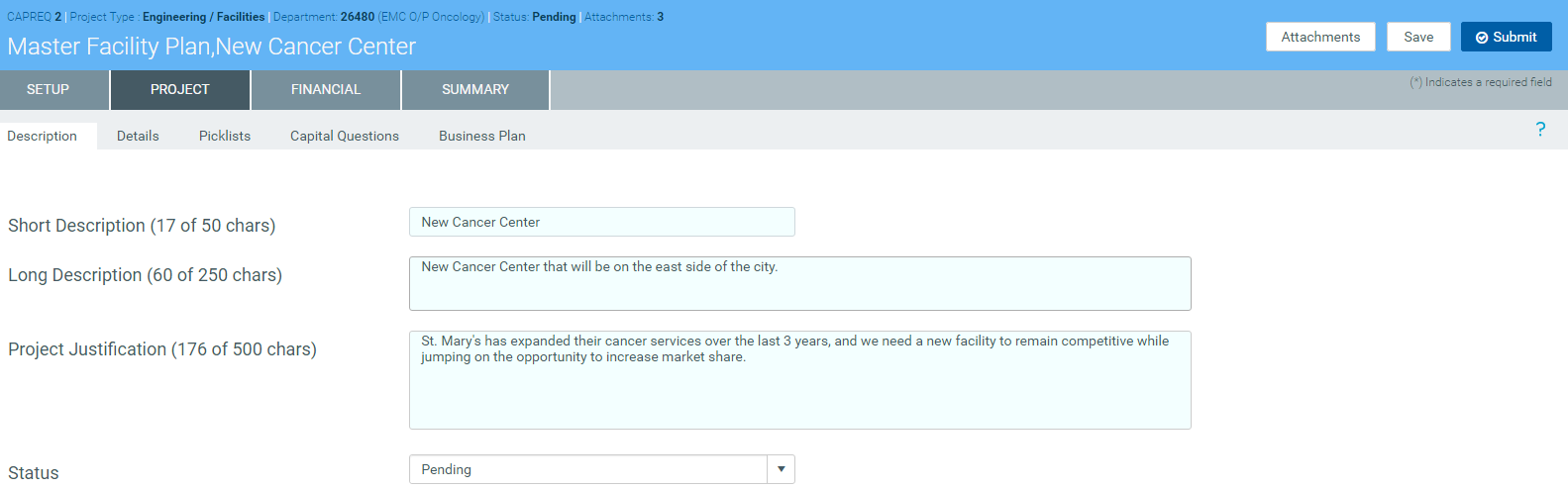
DescriptionProvide a short and long description for the project as well as a justification statement for why your project should be approved.
If you have administrator privileges or you are an approver, the Status drop-down allows you to select the status of the request.
 Details
Select the start and completion date for the project.
NOTE: Your organization may add other text fields to this section for you to complete.
 Picklists
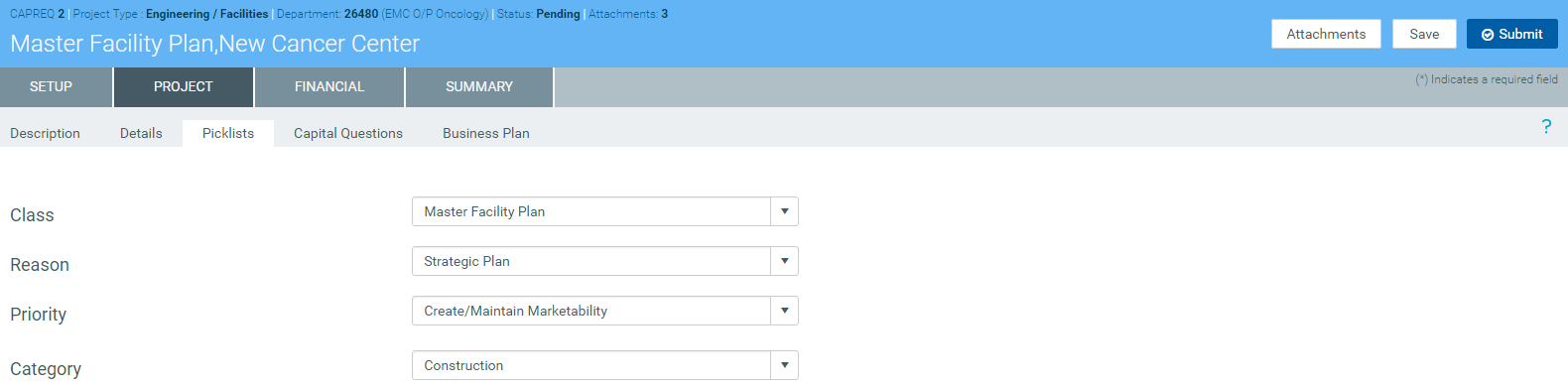
Select the class, reason, priority, and category for the requested project. There may also be other picklists specific to your organization.
 Capital Questions
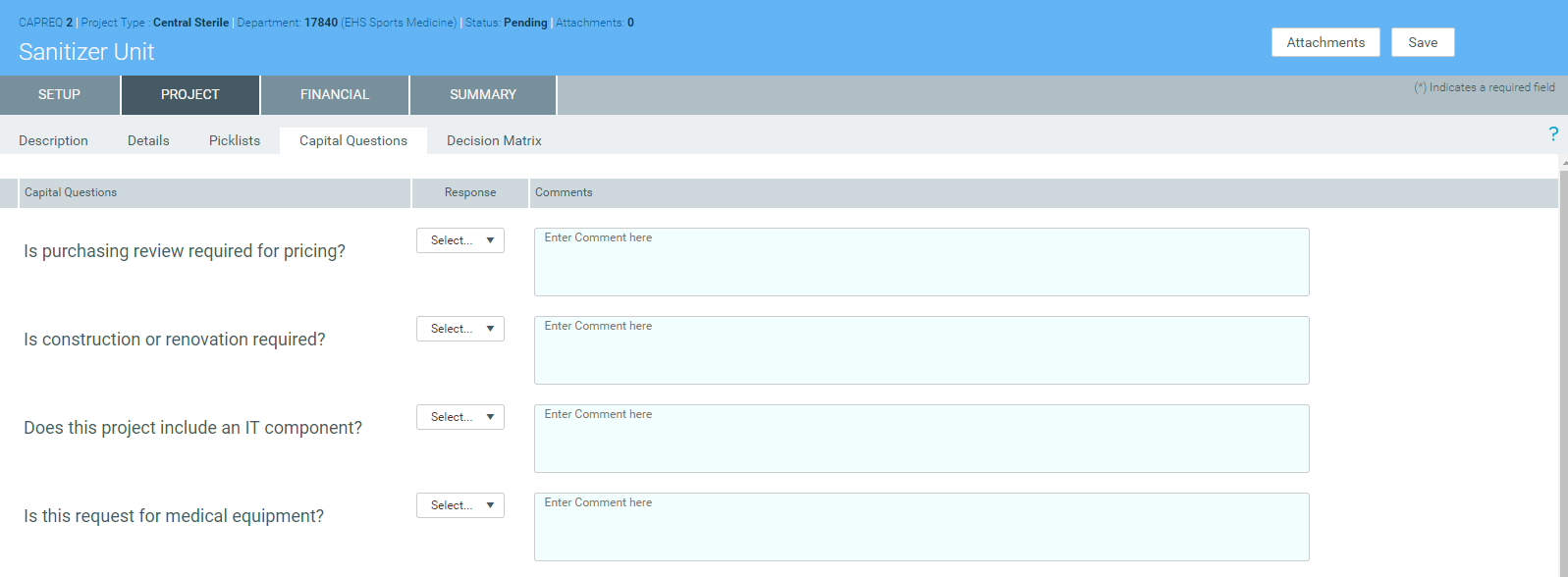
In the Response column, click the toggle to select Yes or No to answer the list of standard questions used to justify for your request. In the Comments box, you can enter additional information, if needed.
 Business Plan
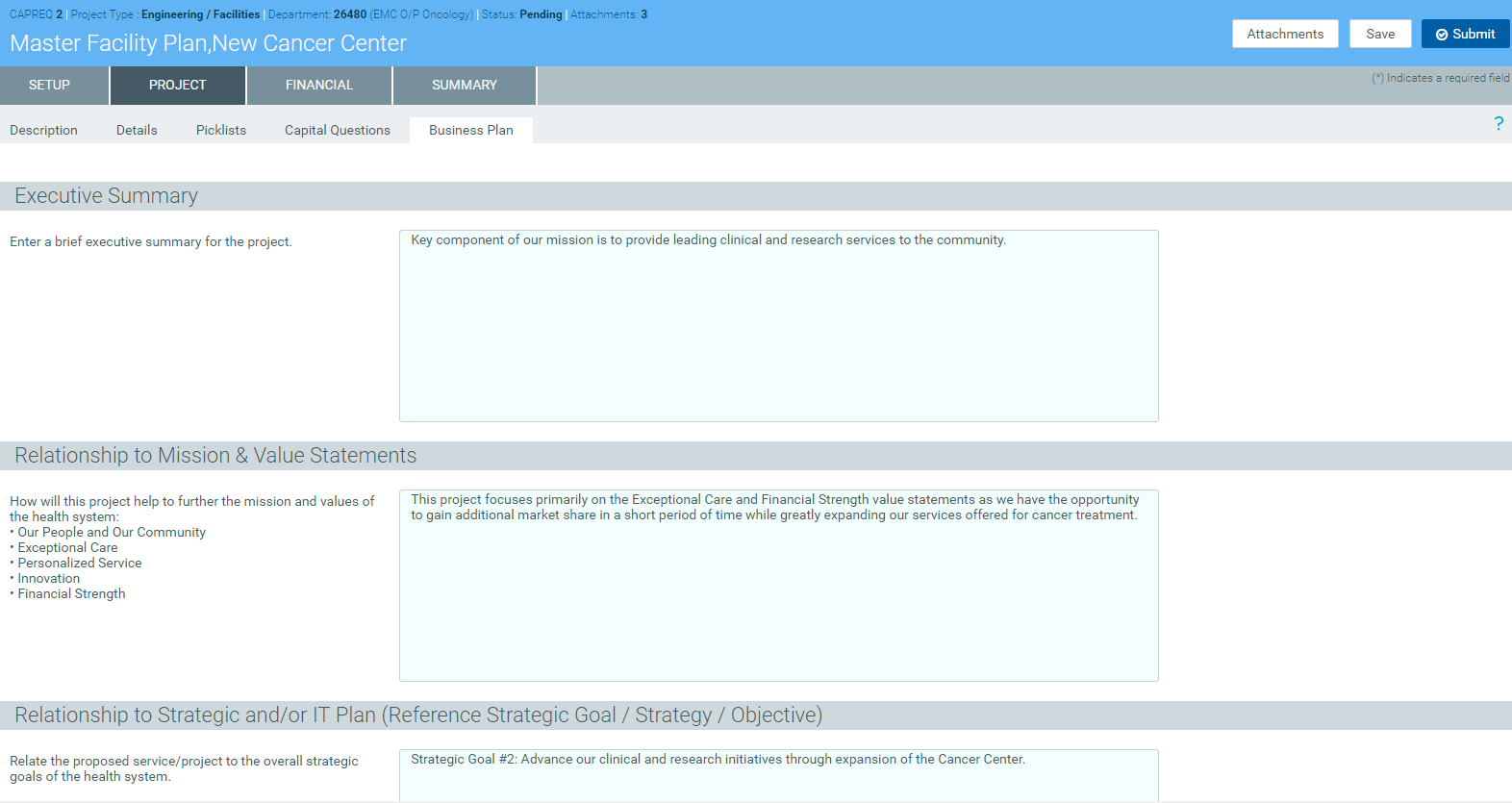
Answer more extensive questions to justify the expense for the capital project. This information is reflected in the Executive Summary report, which is often used by the Capital Selection Committee.
-
In the Financial tab, complete the following sub-tabs, as applicable:
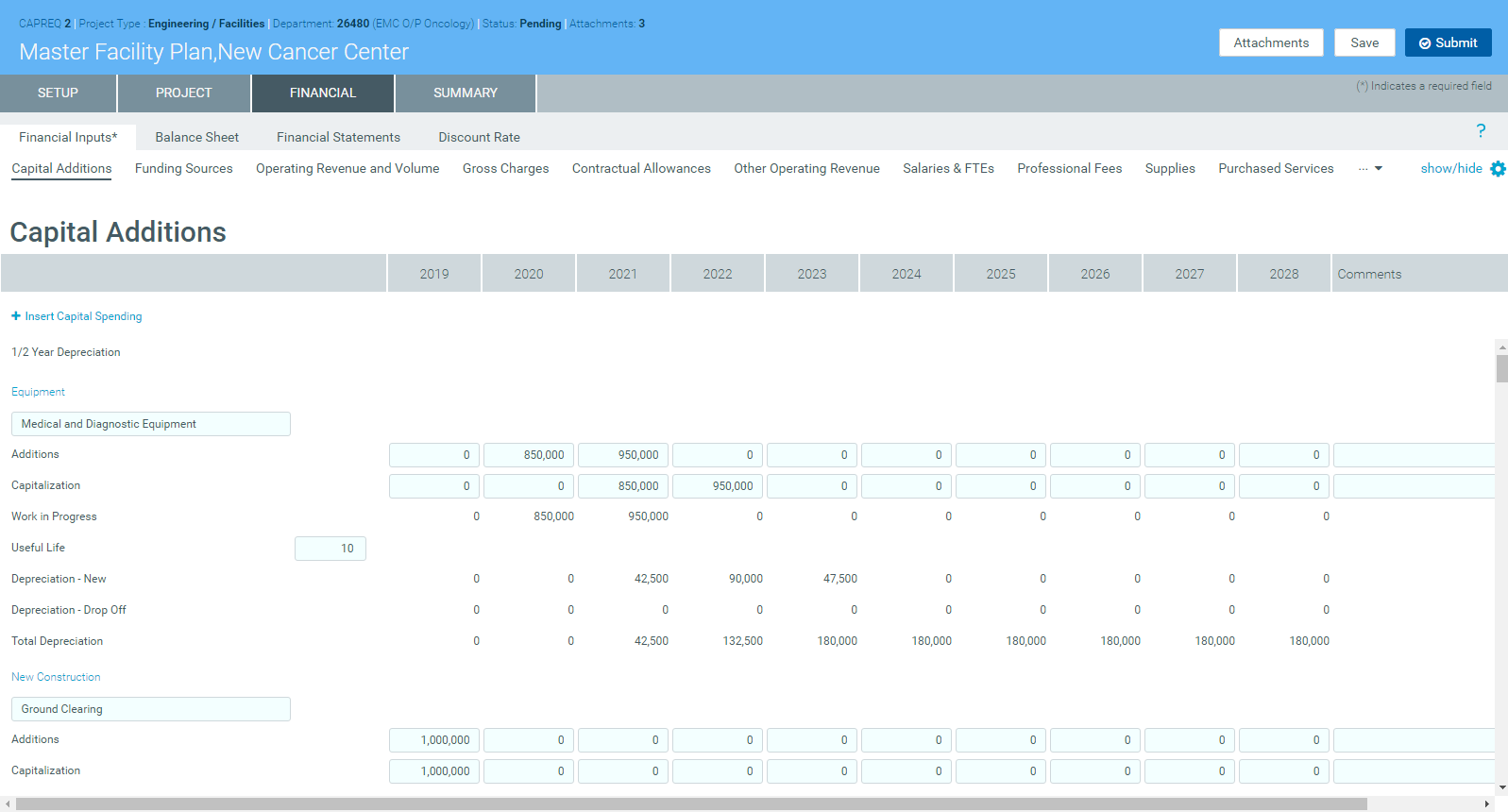
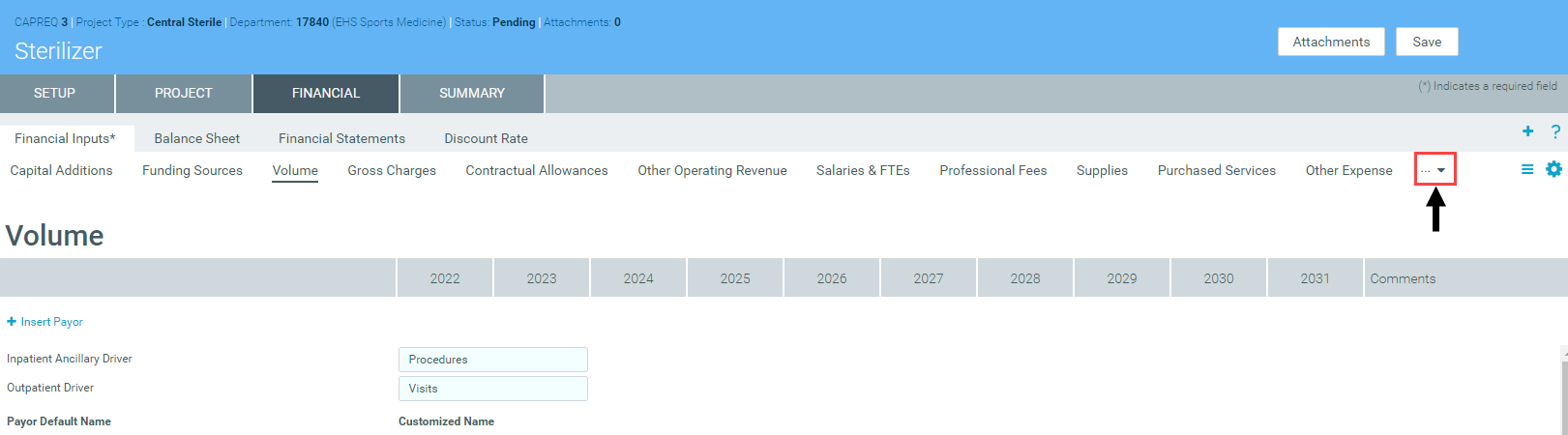
Financial InputsThis tab is segmented into up to 13 additional sub-tabs where you enter capital pricing details. If there are more sub-tabs than the system can display, click the drop-down in the upper right corner of the screen to select other available sub-tabs.
NOTE: Not all of the sub-tabs you see in the example above will display in your system. What you see depends on how your organization has set up the system. Your organization can add tabs later, as needed.
For more information and instructions for each tab, see the following:
- Capital Additions
- Funding Sources
- Volume
- Gross Charges
- Contractual Allowances
- Other Operating Revenue
- Salaries & FTEs
- Professional Fees
- Supplies
- Purchased Services
- Other Expense
- Statement of Revenue and Expenses
- Capital Summary
For additional instructions related to this tab, see the following:
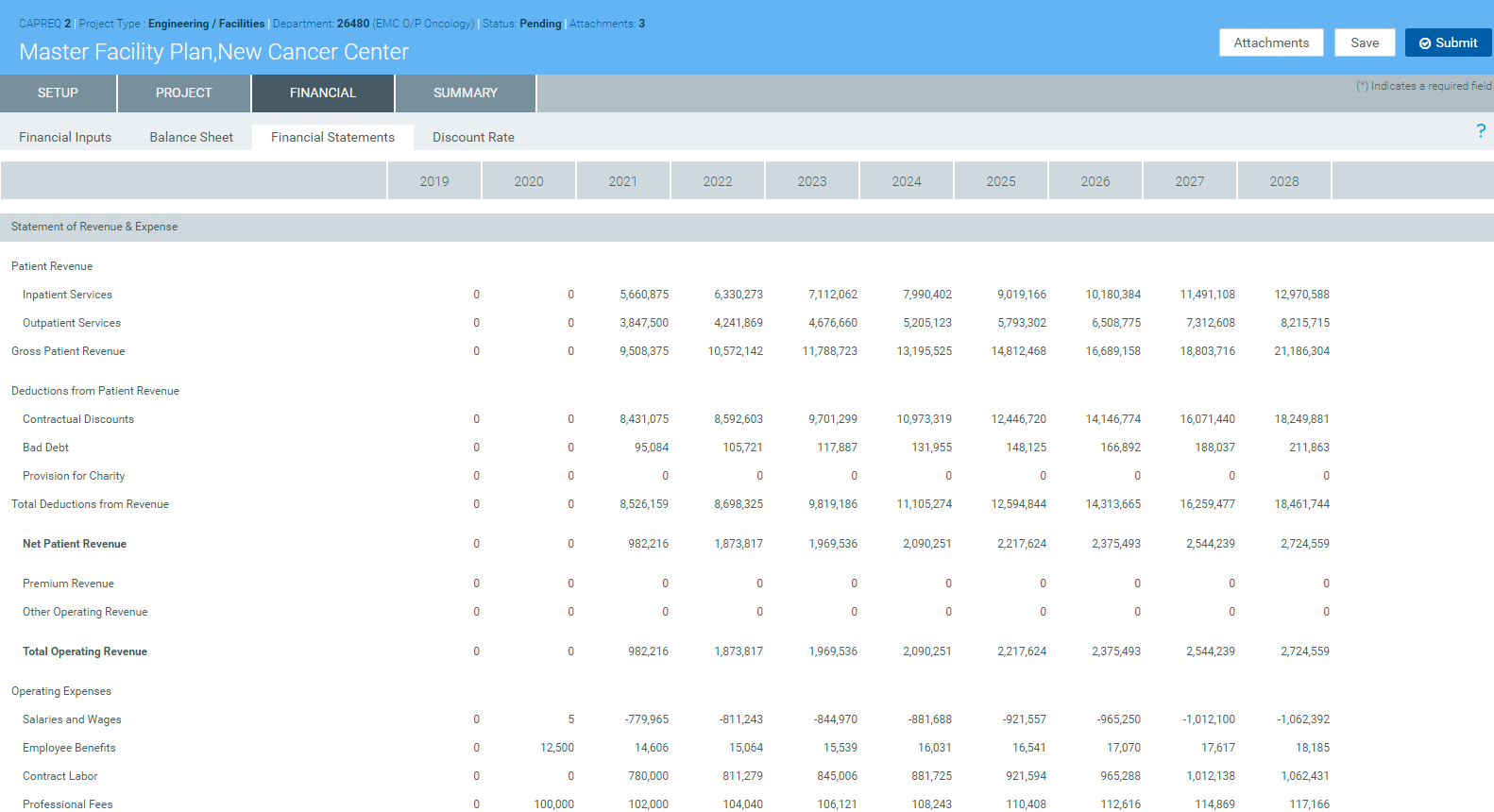
Financial StatementsDisplays the projected impact of the project for each upcoming fiscal year. At the bottom of the page, you can input data for the following:
- NPV and Financial Metrics:
- Perpetuity Cash Flow Change
- Total Project Life for NPV
- Capital Investment Detail
- Performance Tracking Measures
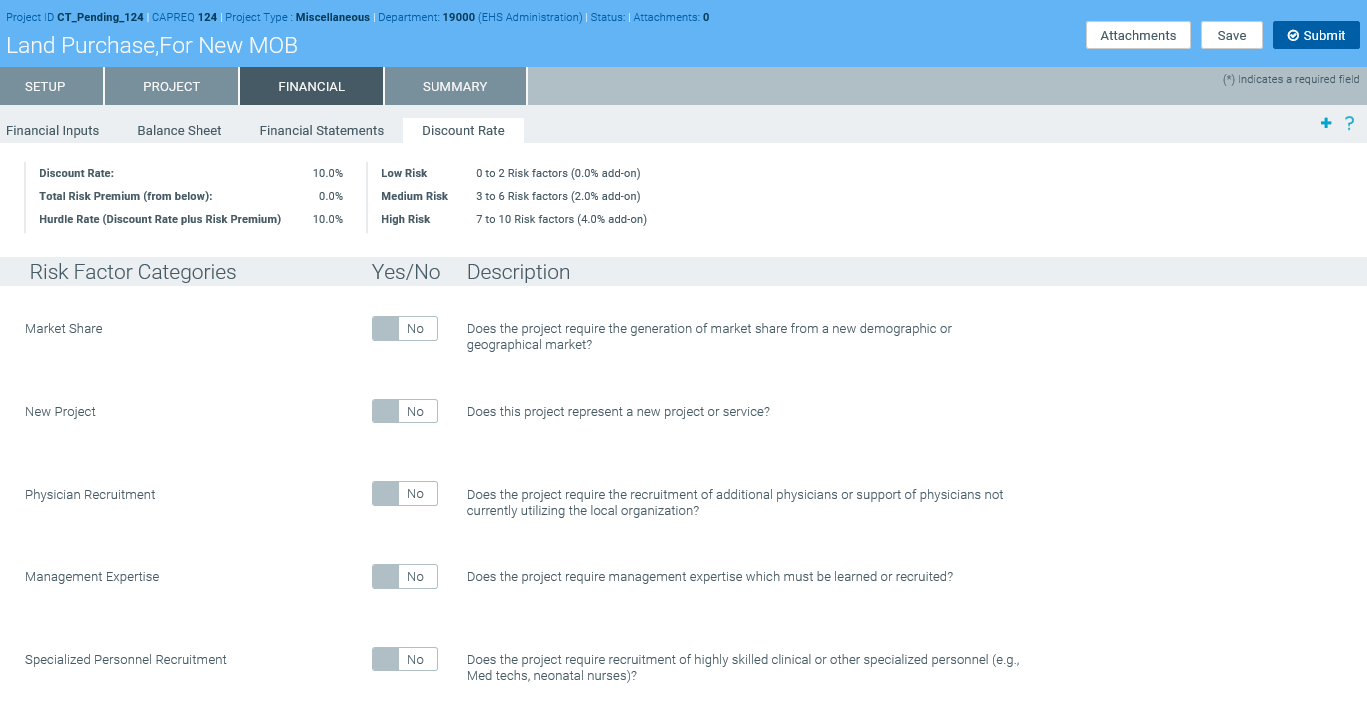
 Discount Rate
Displays questions used to determine the risk factors of a project. For each question, click the toggle to Yes or No if the question applies to your project.
NOTE: Depending on how your organization has configured the project template, questions with asterisks may be required before you can save the project request.
- In the Summary tab, review the inputs you entered in the Setup, Project, and Financial tabs. Return to the appropriate tab to make edits, if necessary.
-
To attach files to your request, at the top of the page, click Attachments.

- For each file to upload, in the File Attachments dialog, click +Upload Attachment.
- In the Open File dialog, select the file, and click Open.
- Click Close.
- At the top of the page, do one of the following:
- To save your changes before submitting your project request for approval, click Save.
To save and submit your project request for approval, click Submit.

-
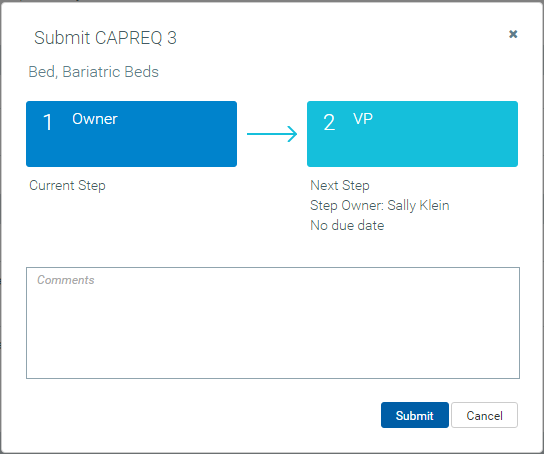
When you submit the request, the system displays a dialog that shows you the next step in the approval process. Enter comments to add to the request, if necessary, and click Submit.