Creating Non-Threshold (Summary) projects
The standard Non-Threshold (Summary) request form includes the following tabs:
- Setup –
- Project – Includes fields for entering basic information about the project and questionnaire sections to answer questions justifying the request.
- Financial – Includes fields for submitting capital pricing details and operational cost impacts.
- Summary – Displays the inputs entered in the Setup, Project, and Financial tabs to use for review before submitting your request.
To
- Complete steps from Creating Non-Threshold (Summary) projects. The options you selected display in the Setup tab, which you can modify if needed.
-
In the Project tab, complete the following sub-tabs, as applicable:
IMPORTANT: To save or submit the request, you must complete fields with an asterisk (*)
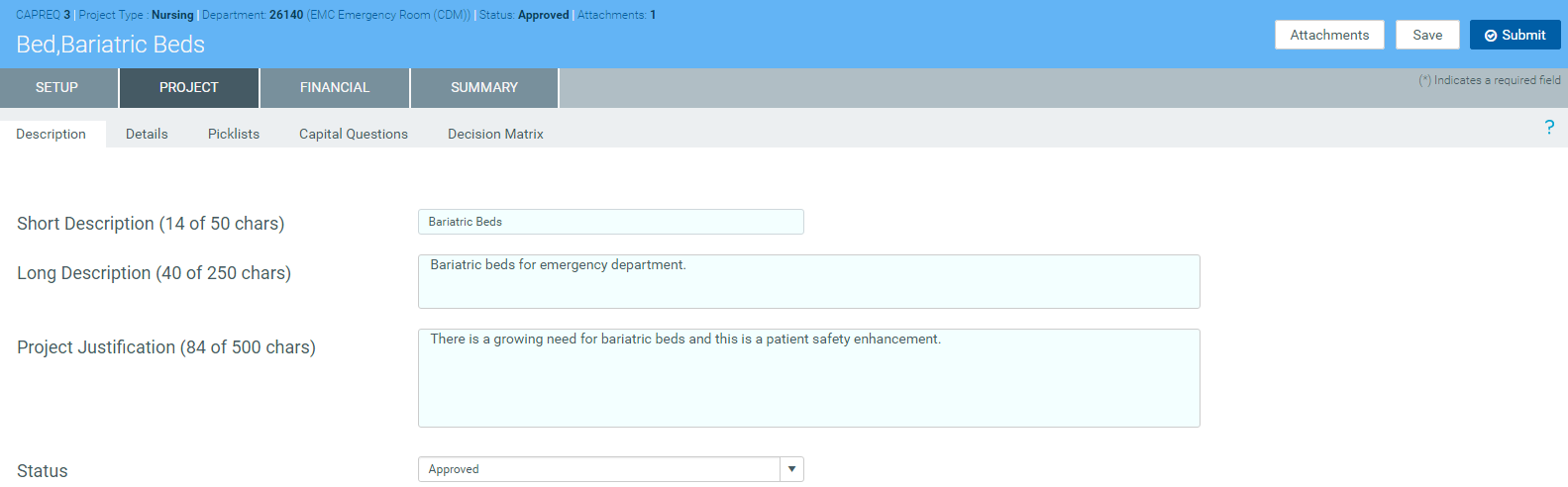
DescriptionProvide a short and long description for the project as well as a justification statement for why your project should be approved.
If you have administrator privileges or you are an approver, the Status drop-down allows you to select the status of the request.
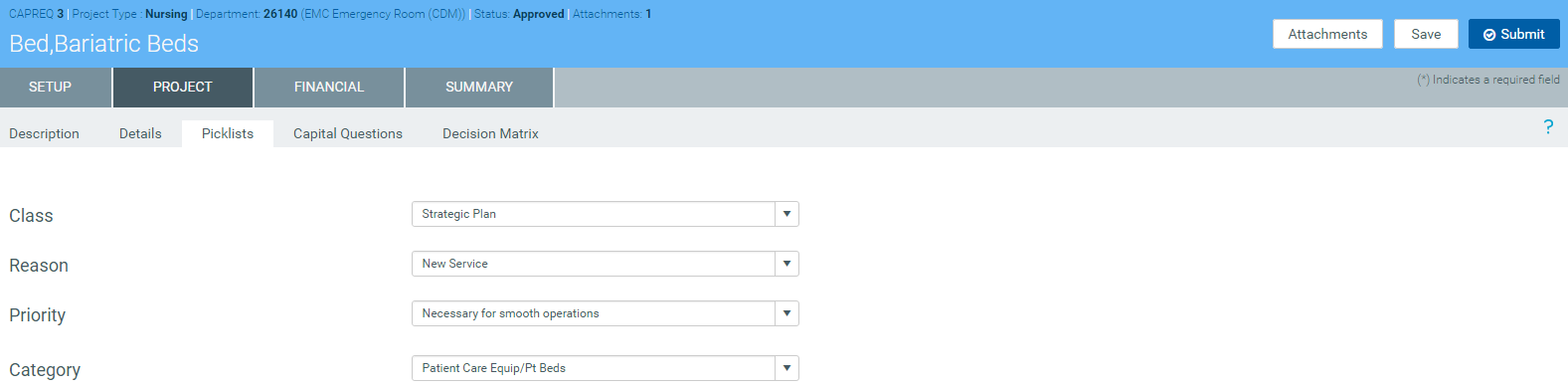
 Details
Select the vendor for the item you are requesting for the project and the month the item will be purchased.
NOTE: You organization may add other text fields to this section for you to complete.
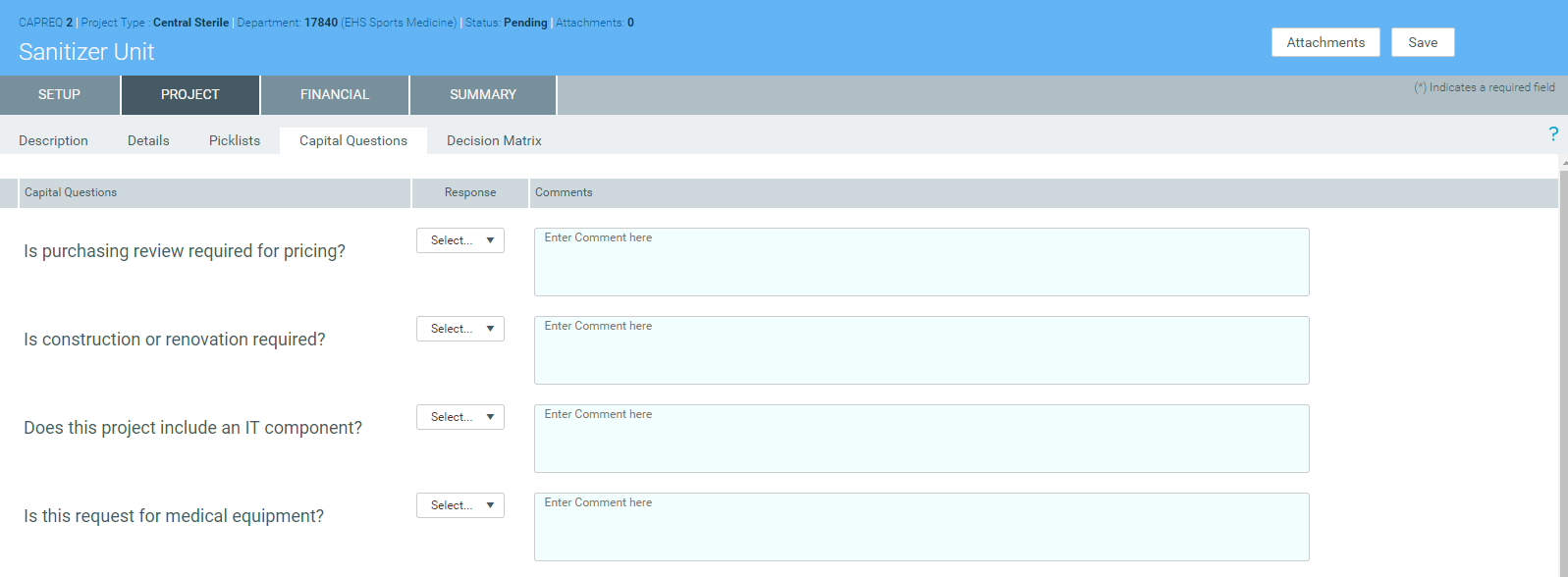
 Capital Questions
From the drop-down, select Yes or No to answer the list of standard questions used to justify for your request. In the Comments box, you can enter additional information, if needed.
NOTE: Depending on how your organization has configured the project template, questions with asterisks may be required before you can save the project request.
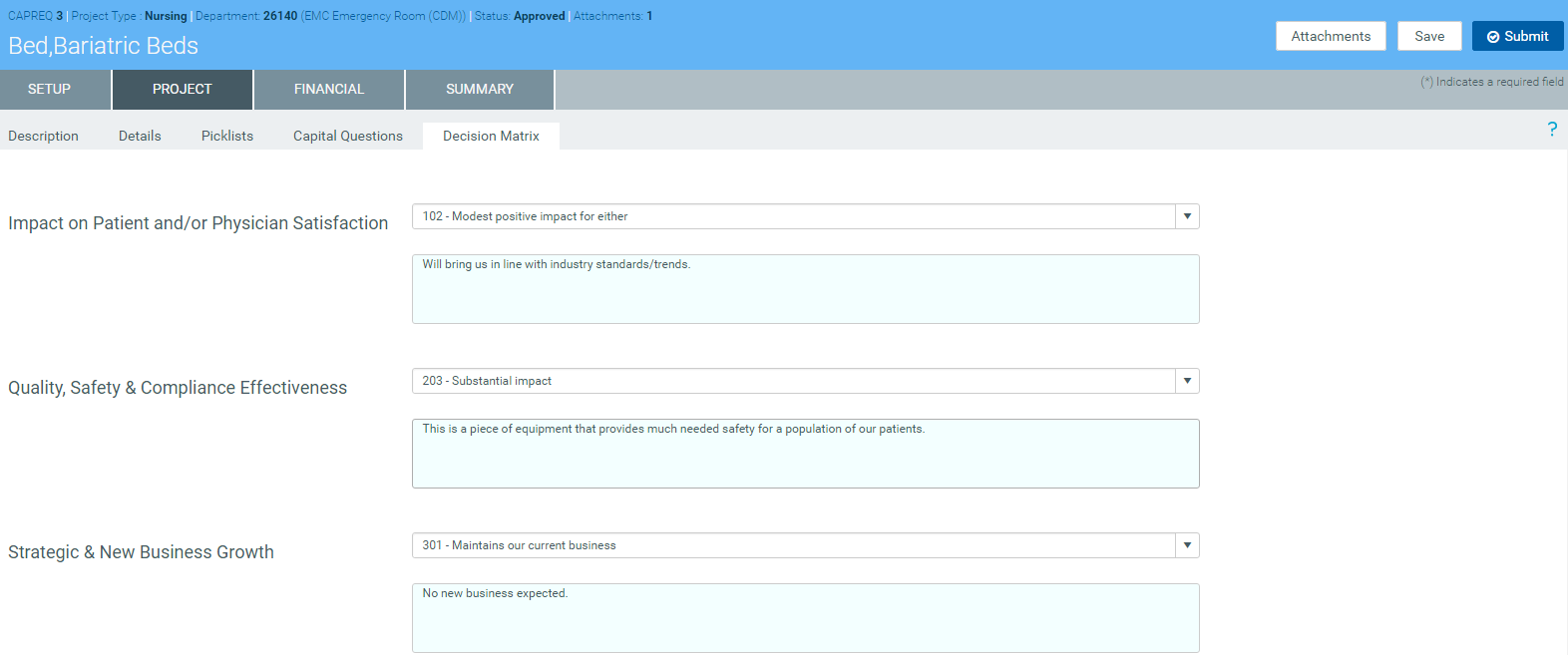
 Decision Matrix
Answer questions regarding how your project meets the criteria of multiple categories related to the pillars of your organization. The responses you provide are weighted to help your organization prioritize requests.
-
In the Financial tab, complete the following sub-tabs, as applicable:
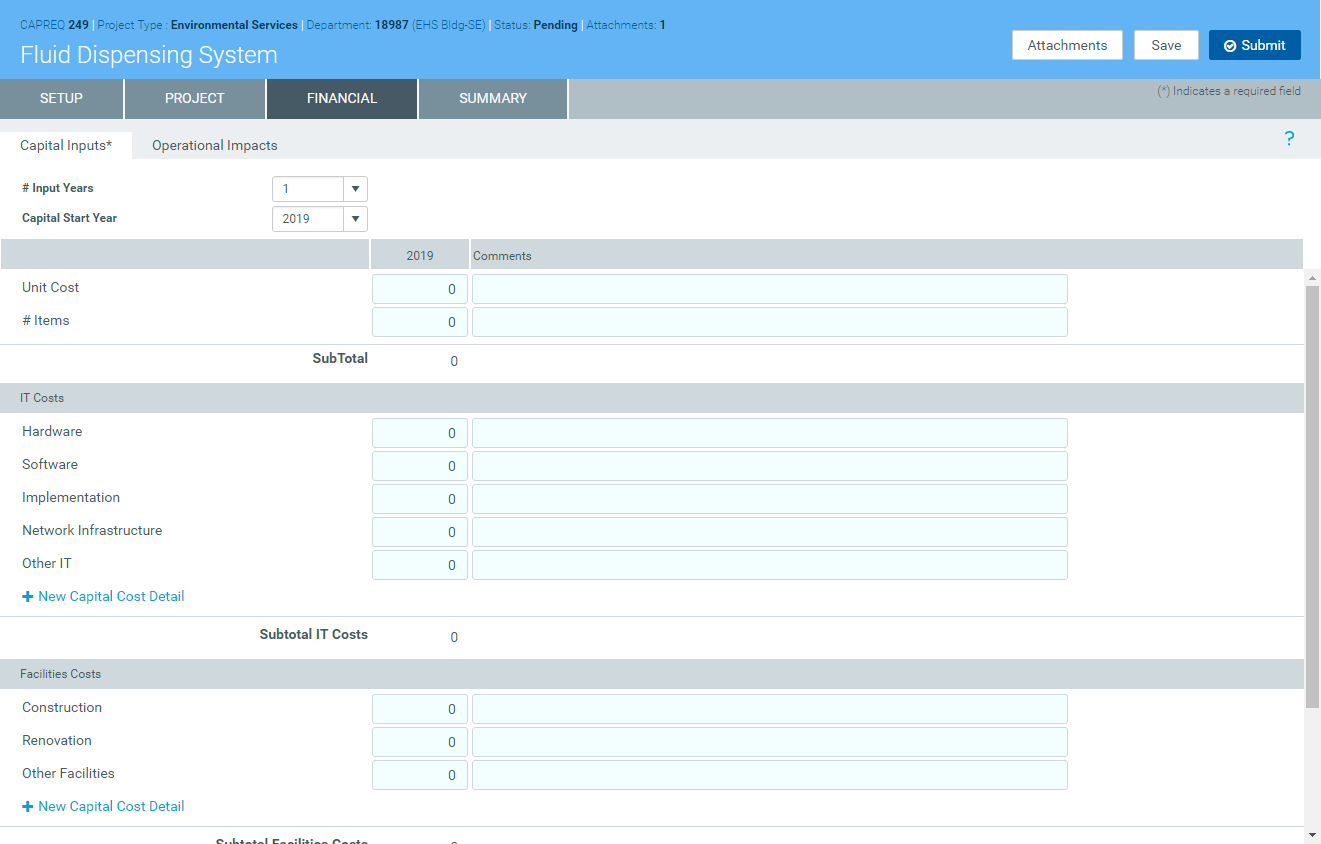
Capital Inputs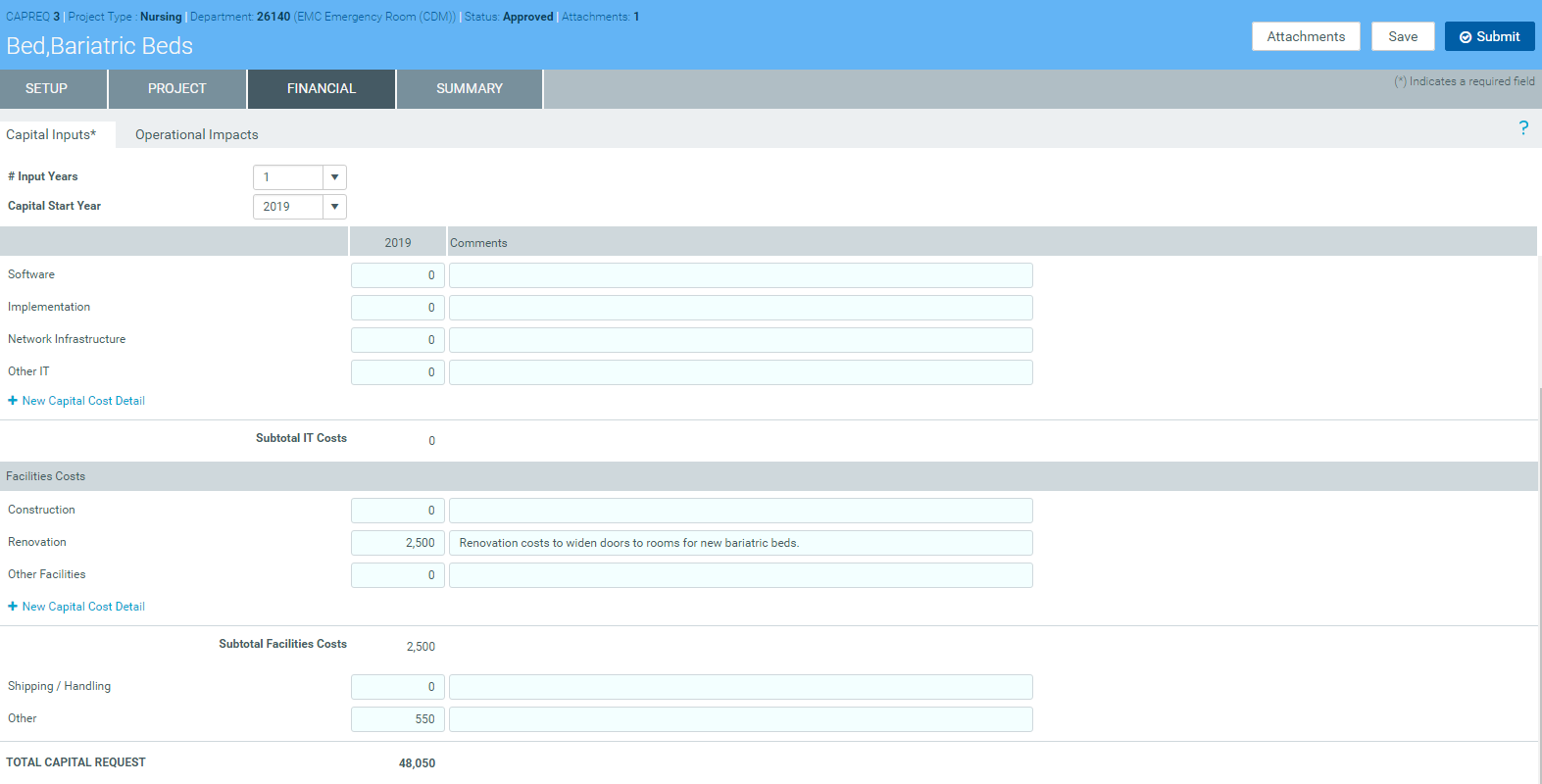
To add additional costs for IT, Facilities/Construction, and/or Clinical Engineering, click + New Capital Cost Detail for the appropriate cost section.
 Operational Impacts
Enter details related to the anticipated operational impacts on key drivers and statistics should the project be approved. For example, this might include the percentage by which the project might drive up patient volume or the number of additional FTEs required. Only include incremental business on this tab.
In the # Years for Financial Analysis field, type the number of years to determine how far out the impacts drive the financial return metrics of the project, such as Net Present Value (NPV), Internal Rate of Return (IRR), and so on.
- In the Summary tab, review the inputs you entered in the Setup, Project, and Financial tabs. Return to the appropriate tab to make edits, if necessary.
-
To attach files to your request, at the top of the page, click Attachments.
- For each file to upload, in the File Attachments dialog, click +Upload Attachment.
- In the Open File dialog, select the file, and click Open.
- Click Close.
- At the top of the page, do one of the following:
- To save your changes before submitting your project request for approval, click Save.
To save and submit your project request for approval, click Submit.

-
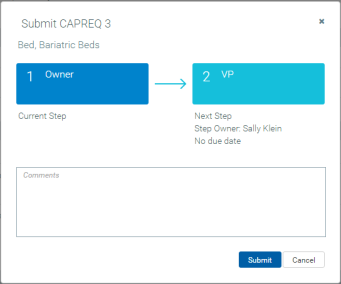
When you submit the request, the system displays a dialog that shows you the next step in the approval process. Enter comments to add to the request, if necessary, and click Submit.